In real time, in your editor
Your agent edits the project open in your signed-in tab. You watch every part land, the Agent tab lists each change with the client's name, and Undo takes it back. Nothing is saved until you save.
Title · Free CAD in the browser · in millimetres
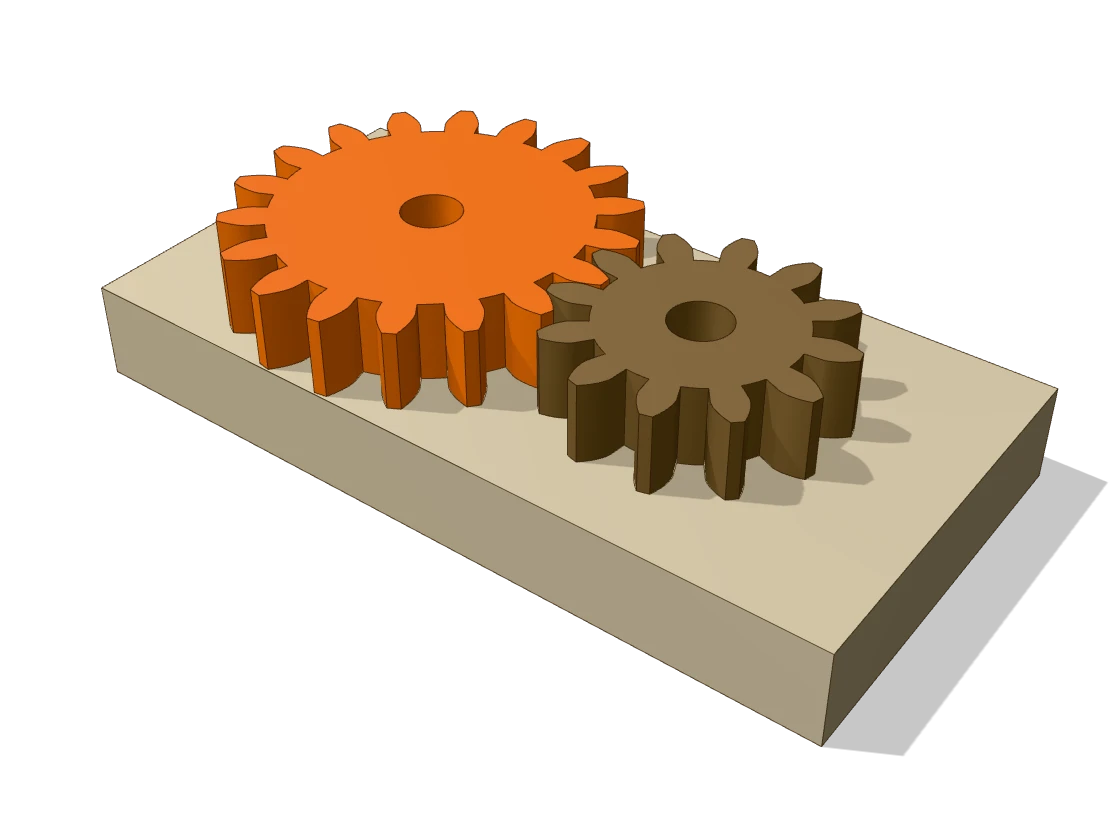
A CAD in your browser for the things you make: sketch a profile in millimetres, extrude or revolve it, and size every part to fit — a bracket to 3D print, the legs of a stool, a flange or a train of gears. The editor and export are free, with nothing to install; an account keeps your projects in the cloud.
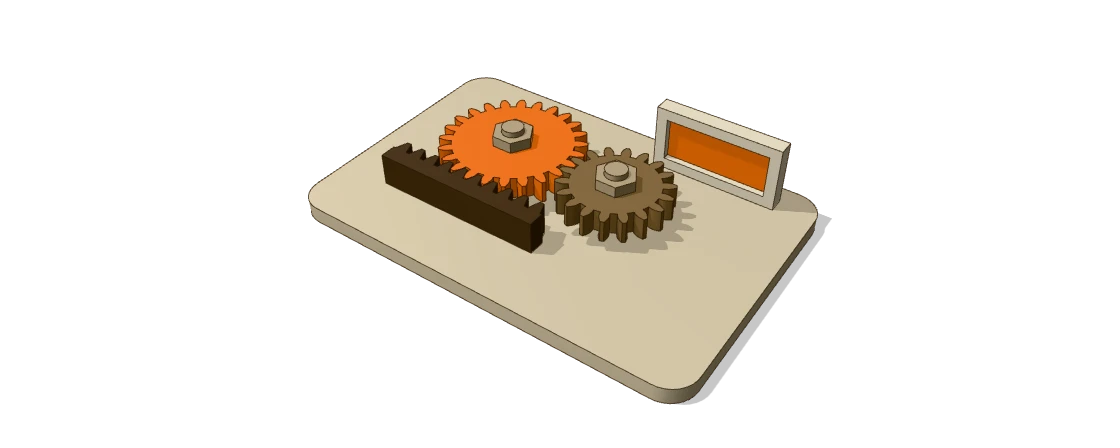
The editor opens on this gear assembly to take apart. Sign in to save your work; Maker adds the AI agent and MCP.
Detail A
Detail B
Detail C
Connect your own AI agent, like Claude Code or Codex, through MCP. Ask it to create or change parts, and watch every edit appear in your 3D view in real time.
Demo
Your agent edits the project open in your signed-in tab. You watch every part land, the Agent tab lists each change with the client's name, and Undo takes it back. Nothing is saved until you save.
Boxes, gears, sketches extruded and revolved, faces extruded and inset, mesh repair and shells: the same operations as the buttons, in millimetres, each refused with its reason rather than guessed at.
Your assistant's thinking is billed by its provider, not by MilliSketch's AI credits, which the embedded Agent tab alone uses. MCP access is part of Maker; the editor's File › MCP clients… has the commands to paste for Claude Code and Codex.
Teach your agent how you make things. Write reusable instructions with your own settings and tools, then run a skill on demand or let your agent find the right one.
Describe the job, add a number in millimetres, a choice, a yes or no, a line of text or a picture, and refer to each setting in the instructions. The editor checks a skill as you type and keeps unsaved changes safe.
Run opens a dialog for the picture and settings of this run. Or just ask: each message carries your skills by name and purpose, and the agent uses the one that fits, with only the tools it lists.
Keep up to 50 skills in your account and use them on any device. Running a skill goes through the agent, part of Maker.
The editor and export are free, with one saved project in your account. Maker adds unlimited projects, the embedded agent with a monthly grant of AI credits, and MCP access; Maker Plus doubles the credits. Prices are in USD, plus applicable tax.
$0
$50/month + applicable tax
$100/month + applicable tax
AI credits measure the embedded agent's work: the text its model reads and writes for each reply, weighted by kind. They are granted each billing period and expire with it; they are not money, and there is no charge above the plan: when they are used up, the agent waits for the next period while the editor, your projects and MCP keep working. A plan renews monthly until you cancel, from the editor; within 7 days of your first payment you may ask for a refund, less the cost of the AI credits used.